Filters
These are the built-in filters - leave them on default (in Enabled section) for a complete protection. You can always extend them with your own data by creating custom filters, although it is not required.
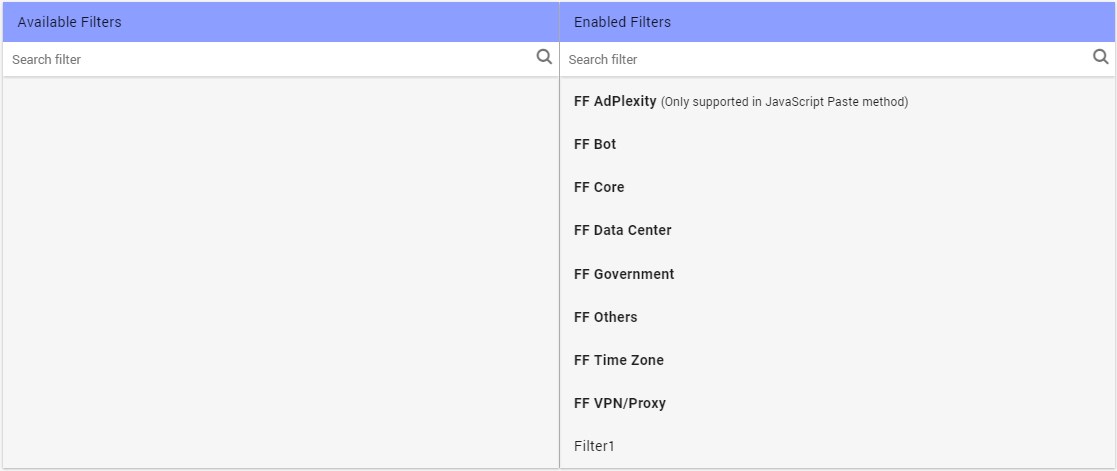
FF Bot
Blocks obvious bots based on user-agent.
FF Core
Blocks known crawlers, scrapers, bots (with fake user-agent) etc.
FF Data Center
Blocks the traffic coming from datacenter IPs.
FF
This blocks the ad network bots.
FF VPN/Proxy
Blocks the traffic from VPNs like HideMyAss, ViperVPN, Luminati residential proxy network, etc.
FF AdPlexity (Works only in JS paste method)
Blocks advanced adscrapers like AdPlexity.
When you use this filter, only your safe page will show up in AdPlexity, not your money page.
FF Government
Blocks government IPs.
FF Others
Blocks other known reviewers, competitors, bots.
FF TimeZone (Works in only JS paste method)
Blocks visitors when IP's timezone differs from device's timezone.
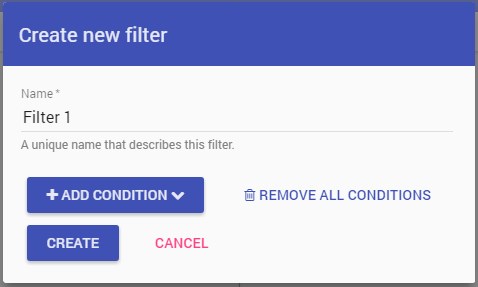
You can create your own custom filters, using "Create new filter".
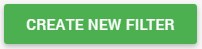
You can select one / multiple conditions in the same filter.
You can edit, duplicate, delete filters in the Filters section:
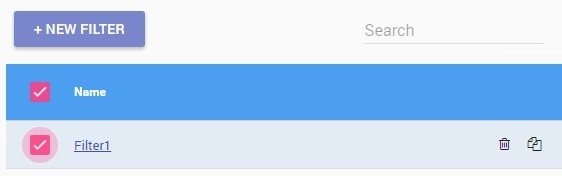
Custom filters can be applied to multiple campaigns.