Lower Your Clickloss
FraudFilter.io will usually show more clicks than what you see in the Facebook's ad manager.
If your tracker's click counter is significantly less than what you see in the ad network then you are experiencing the click loss issue.
In our experience, most of the reasons for click loss are client's hosting and domain related. It can't be fixed at our end but when you implement the solutions mentioned below, you'll immediately see the improvement and realise that it's your setup which was at fault.
Test only cloaked/test URL, not other resources or page and check only the first redirect's speed, you should be looking at the one with 302 response header.
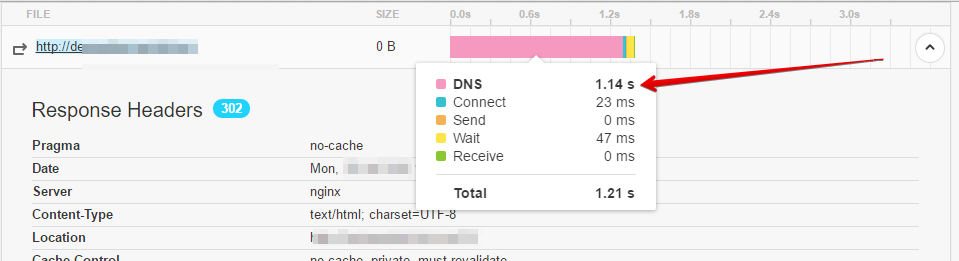
[The guy in the screenshot needs faster DNS service.]
High connect time and wait time means slow network [end to end latency] and overloaded server [not enough CPUs for CURL calls?] respectively.
- Move your server closer to your visitors. If not close enough, then at least try to place your server in the same continent!
- Use faster DNS service for your domain like Cloudflare [DNS only, not reverse proxy] or Dyn DNS, see for comparison: http://www.dnsperf.com/
- Make sure your domain is not flagged, please use these tools: http://urlvoid.com or http://virustotal.com
- Use SSD VPS with at least 2 cores and 2GB memory if using ServerPilot, we've always recommended this setup: https://docs.fraudfilter.io/kb/recommended-hosting-setup/
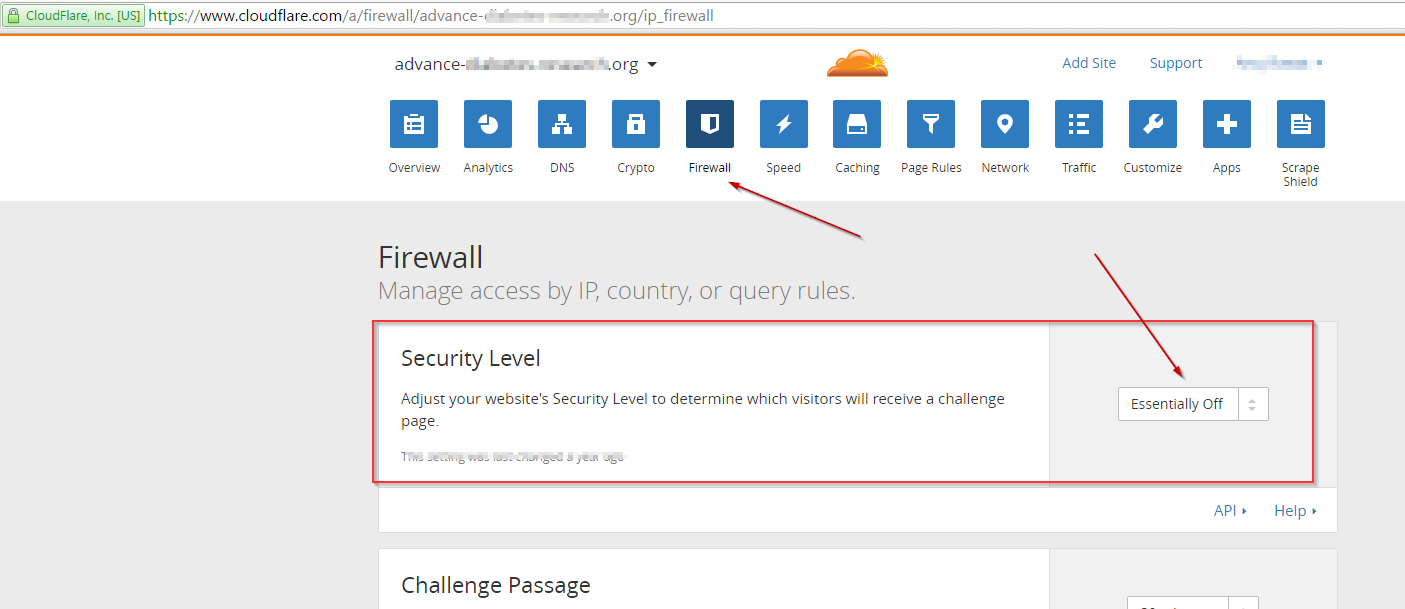
- If you are using CloudFlare, change Firewall > security level to "essentially off".
- Minimize number of redirects and optimise your landing page's load time.
- Monitor your domain/server using uptime monitoring tool like http://uptimerobot.com
Caution: If you are monitoring your test URL then it might increase your safe page visit rate.
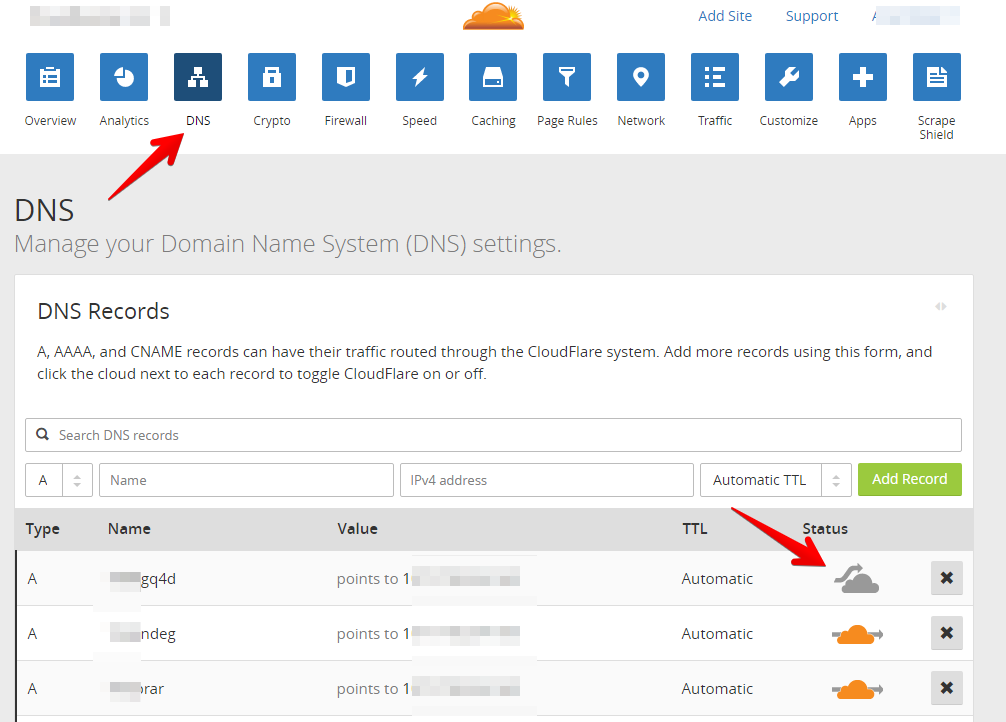
- If you are still having click loss, try running with "reverse proxy" feature disabled. Caution: In some cases disabling orange cloud aka "reverse proxy" can increase click loss, it varies on a case by case basis, so please do your own split testing.
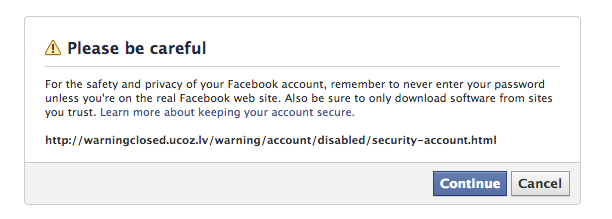
- If you are running on the Facebook, make sure your URLs do not result in URL warnings, there are lots of variations of these warnings. Do not use cheap domains TLDs or free domains. [they are abused by spammers, so automated systems flag them.]
- Tools like Google Analytics or other JS solutions, do not return accurate stats. The best way is to compare with your web server access logs.
- For Facebook, make sure you are looking at the "link click" column, refer: http://take.ms/vpysW
- Check your web server error logs and PHP error logs.
- Do not use brand names in your domain name, you'll get flagged much faster for "phishing".
- If you are using brand logos, rehash/recode your pages often depending on the flag frequency.
- Do not use cheap TLDs like .xyz or .pro etc... Cheap TLDs are prone to abuse by spammers and automated systems instantly block them. If possible, only use .com .net .org on Facebook Ads and other quality ad networks.