PHP upload
Make sure you've read this article to find which method fits your requirement
Create a campaign
1. Create a new campaign, specify the title and the traffic source.

Choose "Others" if your desired traffic source is not in the drop down list. Folder, Tags and Notes are used for organising and grouping your campaigns.
2. Campaign status defaults to "Under review", so we don't have to change anything here.
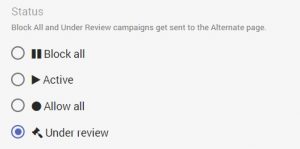
Campaign states are explained here: https://docs.fraudfilter.io/kb/campaign-states/
Edit campaign
The types of pages are explained here: https://docs.fraudfilter.io/kb/glossary/
URL or filepath: https://docs.fraudfilter.io/kb/url-vs-filepath/
1. Money page - where we send legit visitors.
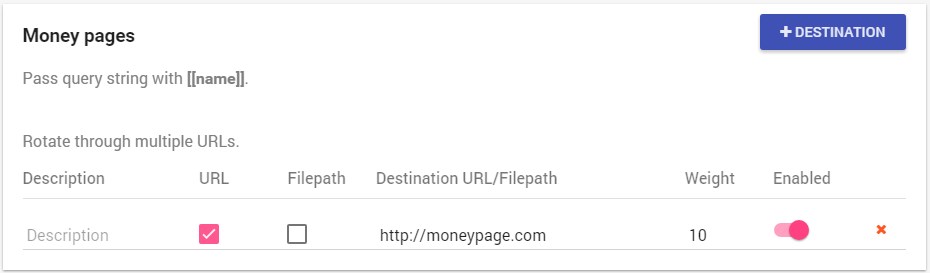
You can use the "Weight" feature for split testing: https://docs.fraudfilter.io/kb/weights/
2. Safe page - where we send human reviewers, bots, crawlers and spy tools.
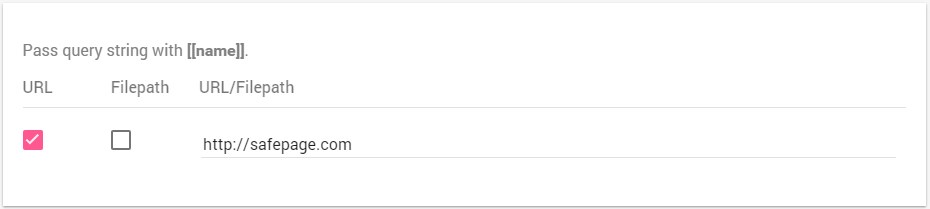
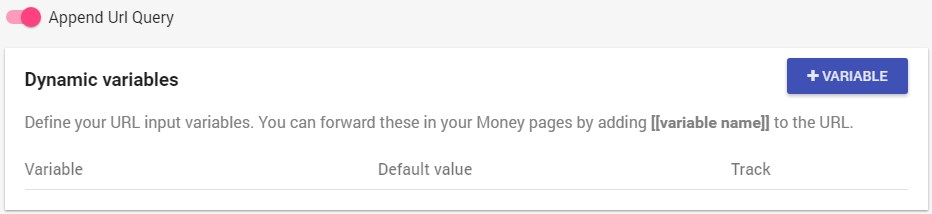
3. Dynamic variables and Append URL Query
Unless you want to track or manipulate the URL query parameters from the cloaked URL to your money page URL, you can leave them on default (disabled).
Dynamic variables work exactly the same way they work in Voluum and are explained in detail here: https://docs.fraudfilter.io/kb/dynamic-variables/
If you only want to integrate a tracker like Voluum, then you can simply use the "Append URL Query" option, to pass the whole URL query string (including tokens/placeholders/variables) to your tracker: https://docs.fraudfilter.io/kb/tracking/
Conditions, filters and Automate
1. Conditions
All conditions are explained here: https://docs.fraudfilter.io/kb/conditions/
Pro Tip: At minimum, we recommend using a country condition.
2. Filters
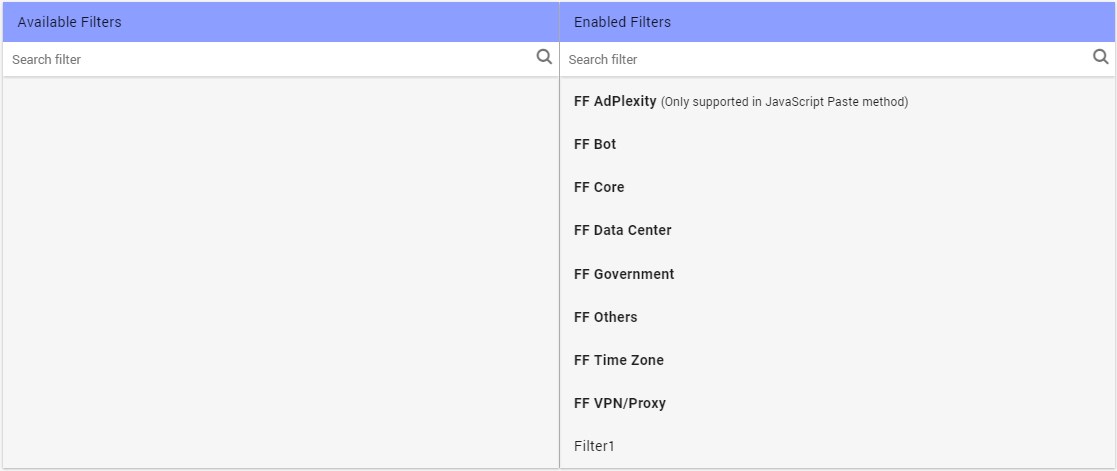
These are the built-in filters - leave them on default (right side) for full protection. You can create your own custom filters, using "Create new filter": https://docs.fraudfilter.io/kb/filters/
3. Automate
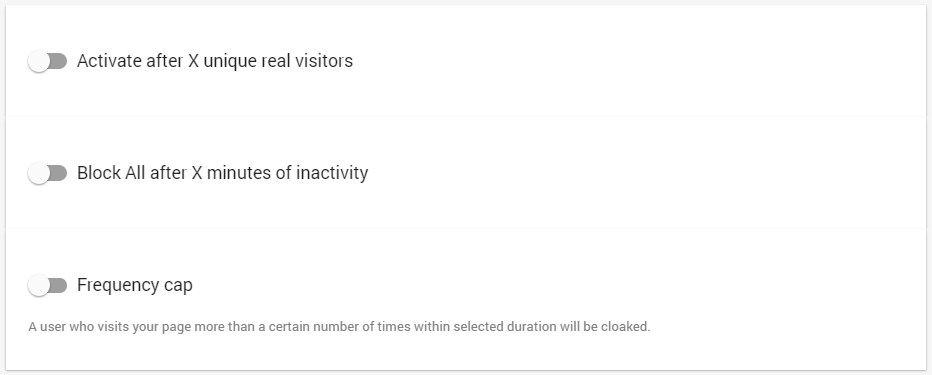
A full description of these options is found here: https://docs.fraudfilter.io/kb/automate/
Integrate the code
1. Press "Create and start integration"
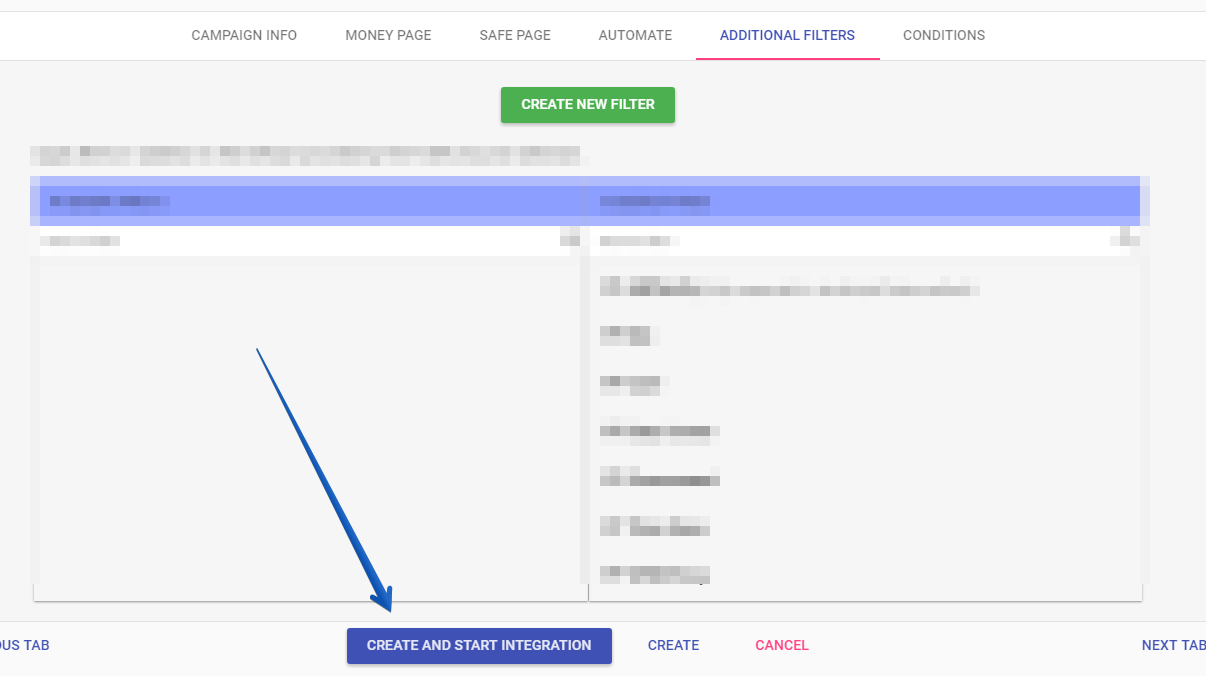
2. There are 4 types of integration. Choose the PHP Upload method.
Integration types are explained in detail here: https://docs.fraudfilter.io/kb/choose-integration-method/
PHP Upload
You require PHP 5.4 or higher on your Linux web server (IIS is not supported). Please ask your hosting provider if you are not sure or not using our recommended setup.
1. Specify a folder name relevant to your campaign.
2. Download the archive file, extract and upload the whole folder to any domain, except the money page domain. You'll submit the URL of this folder to the ad network.
3. Change permissions of the uploaded folder containing PHP file to 755 or 775 or 777 (whichever one works, starting from the left) and the permission of the php file must be 0644.
If you are using WinSCP:
4. Test the URL

5. PageGuard
Protect your landing pages from direct hits. This feature is detailed here: https://docs.fraudfilter.io/kb/pageguard/
6. Test/upgrade your URL
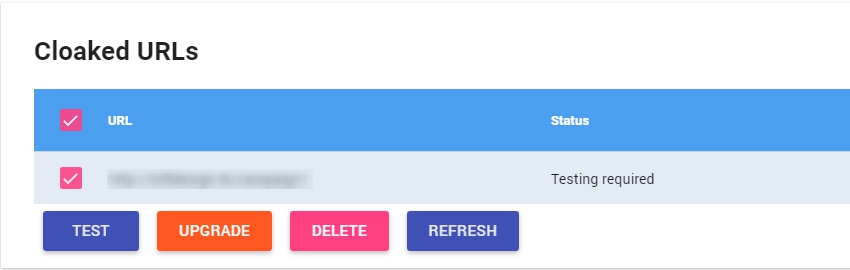
If you make changes to your campaign, upgrade the URL using the "Upgrade" option.
Test your campaign
Please use this method to test if it's working.
Check click logs to verify your setup
Using click log you can view each click and see where it's going.
Create a campaign in the ad network
Create a campaign in the ad network of your choice: the test/cloaked URL will be your Destination URL and the safe page URL will be Display URL
For AdWords: https://docs.fraudfilter.io/getting-started/adwords-urls
Important Submit your campaign for approval in Under review state! Once approved, switch the campaign to Active. Reviewers will always see the safe page and real visitors will always see the money page.