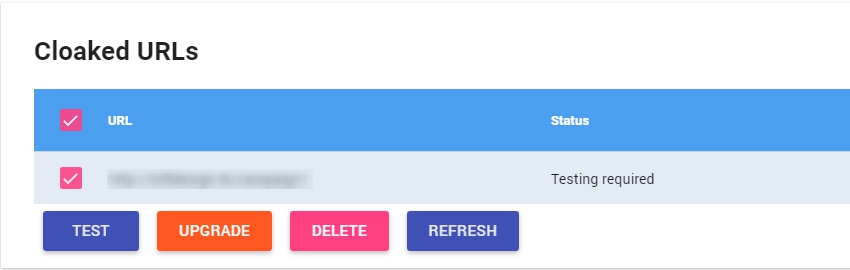
Carefully, test your setup using this guide: https://docs.fraudfilter.io/kb/how-to-test-if-fraudfilter-is-working/
Verify click logs: https://app.fraudfilter.io/#/statsYou’ll be able to see each click in your click logs, which will help you understand the reason your clicks are going to the safe page.
First of all, make sure you are sending traffic to the "Cloaked URL", it's the URL you've tested on integration page, the link to the place where you have uploaded the FraudFilter PHP file. Do not send traffic anywhere else!
Test it with real traffic and not using VPN or your own IP. You can send a few clicks (20-30) and look at the view logs.
Make sure that the campaign state is active in FraudFilter. If not, please switch it to active.
Check accepted country list and make sure you are targeting the correct countries.
Sometimes, clients enable "Device condition" which blocks all mobile/tablet visitors - this could be the reason for high safe page visit rate. If you are receiving a lot of mobile/tablet traffic, consider disabling this filter and monetizing that part of the traffic.
If you are running on the Facebook, make sure your URLs are not resulting in URL warnings, there are lots of variations of these warnings. Do not use cheap domains or free domains.
If you are using WordPress plugin, make sure that you are not sending visitors to the "Homepage".WP plugin doesn't work for the homepage, it only works for pages or posts except the homepage.
The last thing possible is that your server is misconfigured. In this case, please use this setup: https://docs.fraudfilter.io/kb/recommended-hosting-setup/it is really very simple and people using this setup never run into such issues, as it automatically installs and configures everything for you.