WordPress
Make sure you've read this article to find which method fits your requirement.
Warning: We recommend against using WordPress whenever possible as some Themes or Plugins hook into WordPress at odd places and change its behavior, so this integration might not work as expected in all cases or it might appear to work but you end up losing some part of your traffic. It's just the nature of WordPress to be slow and inconsistent behavior. Avoid it whenever possible.
Workaround 1: You can also use JavaScript paste method with WordPress (It's easier and safer than using PHP code for WordPress) and it should work in 100% of the cases. While this workaround does solve the "unexpected behavior" issue, it does nothing to help WP's slow speed.
Workaround 2: One possibility is to convert the WP website into the static website using this method. This above method solves both speed and inconsistency issue.
Create a campaign
1. Create a new campaign, specify the title and the traffic source.

Choose "Others" if your desired traffic source is not in the drop down list. Folder, Tags and Notes are used for organising and grouping your campaigns.
2. Campaign status defaults to "Under review", so we don't have to change anything here.
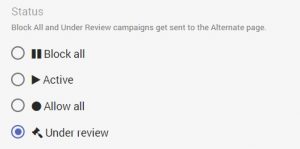
Campaign states are explained here: https://docs.fraudfilter.io/kb/campaign-states/
Edit campaign
The types of pages are explained here: https://docs.fraudfilter.io/kb/glossary/
URL or filepath: https://docs.fraudfilter.io/kb/url-vs-filepath/
1. Money page - where we send legit visitors.
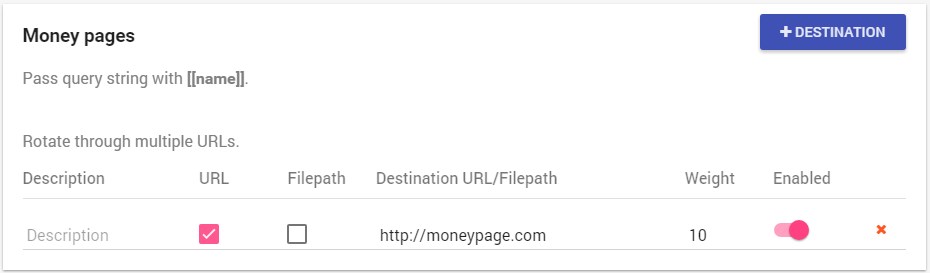
You can use the "Weight" feature for split testing: https://docs.fraudfilter.io/kb/weights/
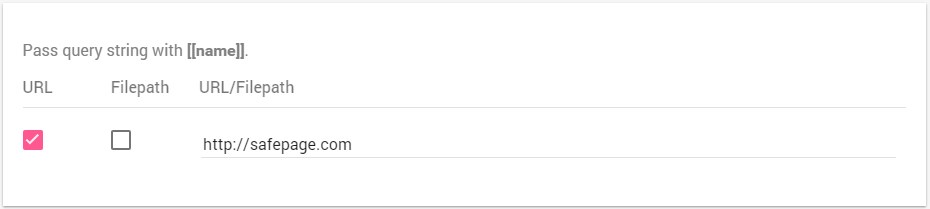
2. Safe page - where we send human reviewers, bots, crawlers and spy tools.
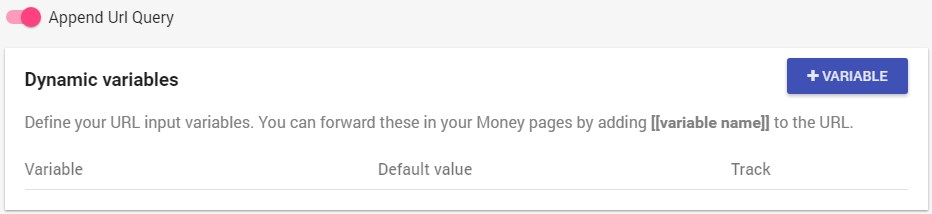
3. Dynamic variables and Append URL Query
Unless you want to track or manipulate the URL query parameters from the cloaked URL to your money page URL, you can leave them on default (disabled).
Dynamic variables work exactly the same way they work in Voluum and are explained in detail here: https://docs.fraudfilter.io/kb/dynamic-variables/
If you only want to integrate a tracker like Voluum, then you can simply use the "Append URL Query" option, to pass the whole URL query string (including tokens/placeholders/variables) to your tracker: https://docs.fraudfilter.io/kb/tracking/
Conditions, filters and Automate
1. Conditions
All conditions are explained here: https://docs.fraudfilter.io/kb/conditions/
Pro Tip: At minimum, we recommend using a country condition.
2. Filters
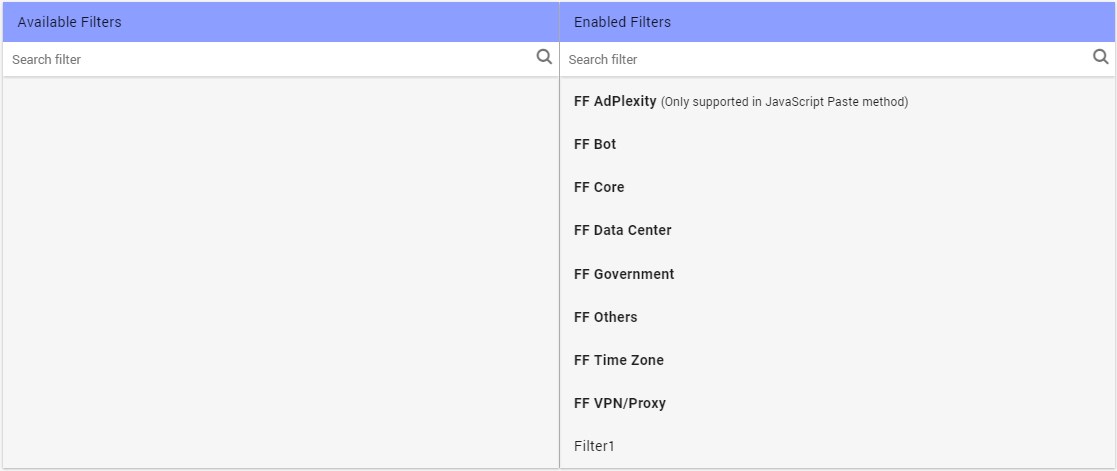
These are the built-in filters - leave them on default (right side) for full protection. You can create your own custom filters, using "Create new filter": https://docs.fraudfilter.io/kb/filters/
3. Automate
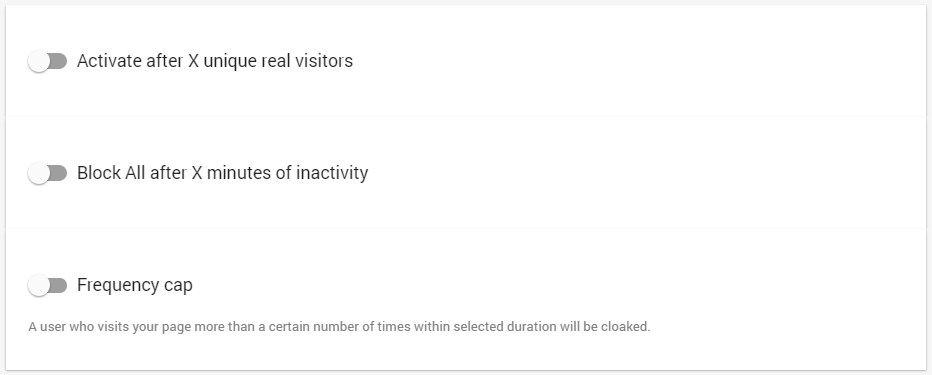
A full description of these options is found here: https://docs.fraudfilter.io/kb/automate/
Integrate the code
1. Press "Create and start integration"
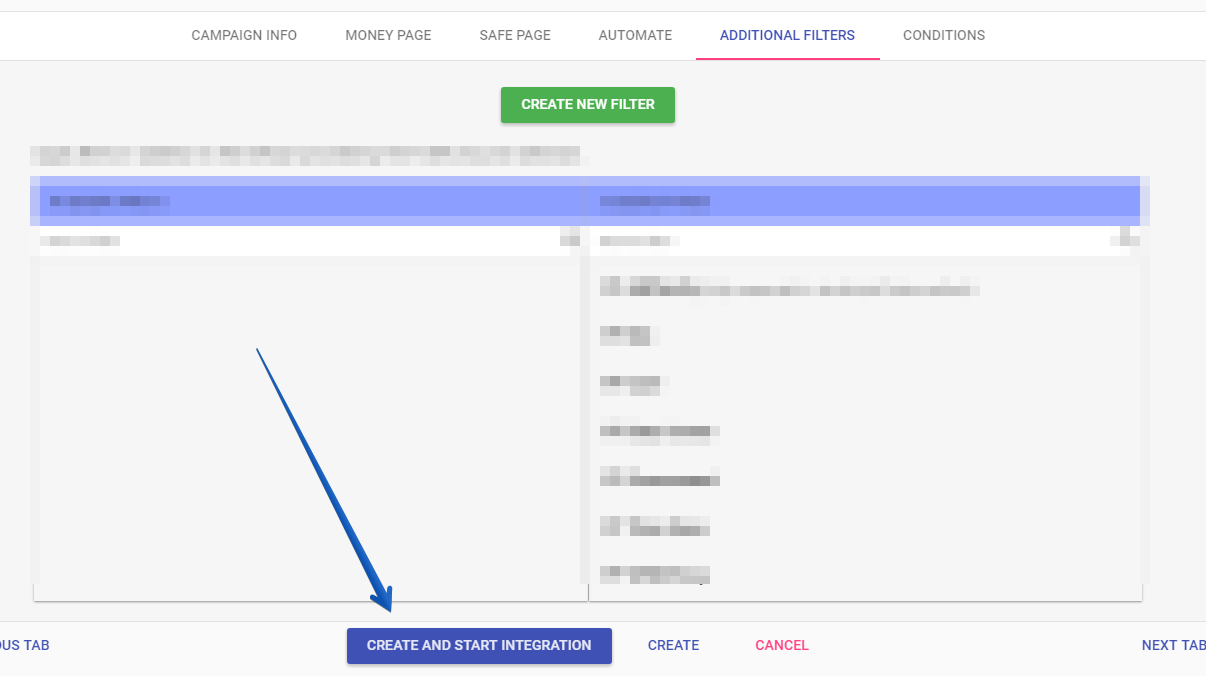
2. There are 4 types of integration. Choose the WordPress method.
Integration types are explained in detail here: https://docs.fraudfilter.io/kb/choose-integration-method/
WordPress
Using this method you’ll only be able to cloak posts or pages, not any other kind of object.
Note:It is recommended that you disable caching plugins.
1. Download and install the WordPress plugin
2. Click "Save changes and show advancedPHP code"
3. Edit a WordPress page or post and you'll find this new section there:
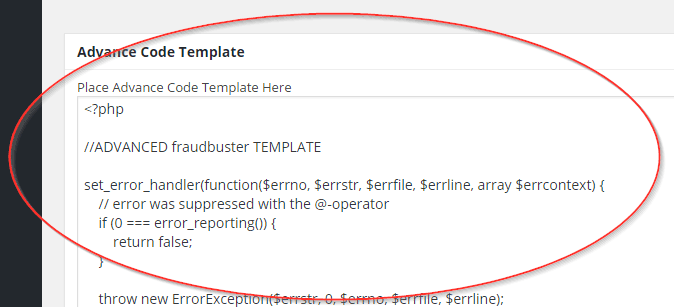
4. a) Take the details you need to fill in the app from the API deployment page of your campaign: 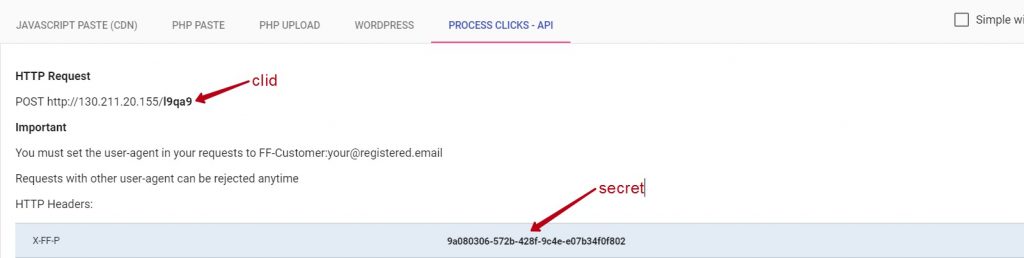
b) Fill those details here: https://w68amlyzh1.execute-api.us-east-1.amazonaws.com/production
c) Upload the code to your server
5. Save the post by clicking "Update" button at the WordPress form:
6. Test your campaign with the Allow all– Block all method and proceed with your campaigns as usual
Homepage
If you want to redirect from the Homepage instead of a page or post, you should follow these steps:
- Cloak any page.
- Set the selected page as Homepage: https://en.support.wordpress.com/pages/front-page/
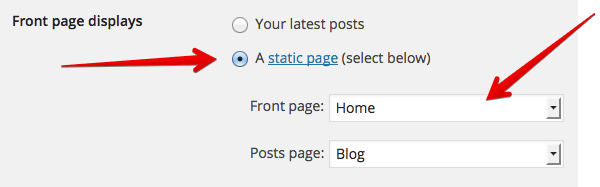
If it still doesn't work, you can try another page or post or some other theme as a workaround. Otherwise there are problems with your WordPress configuration, so redirecting from the Homepage in your case is not possible.
Whole WordPress website
If you want to redirect visitors to the whole WordPress site instead of a page or post, you should place the advanced code in website's header.php. Only proceed with this if you understand what you are doing.
7. PageGuard
Protect your landing pages from direct hits. This feature is detailed here: https://docs.fraudfilter.io/kb/pageguard/
Test your campaign
Please use this method to test if it's working.
Check click logs to verify your setup
Using click log you can view each click and see where it's going.
Create a campaign in the ad network
Create a campaign in the ad network of your choice: the safe page URL and the test/cloaked URL will be the same.
For AdWords: https://docs.fraudfilter.io/kb/adwords-urls/
Important Submit your campaign for approval in Under review state! Once approved, switch the campaign to Active. Reviewers will always see the safe page and real visitors will alway see the money page.